 77ea625027
V2 |
||
|---|---|---|
| assets | ||
| install-scripts | ||
| CHANGELOGS.md | ||
| LICENSE.md | ||
| README.md | ||
| install.sh | ||
💌 ** JaKooLit's Arch Hyprland Install Script ** 💌



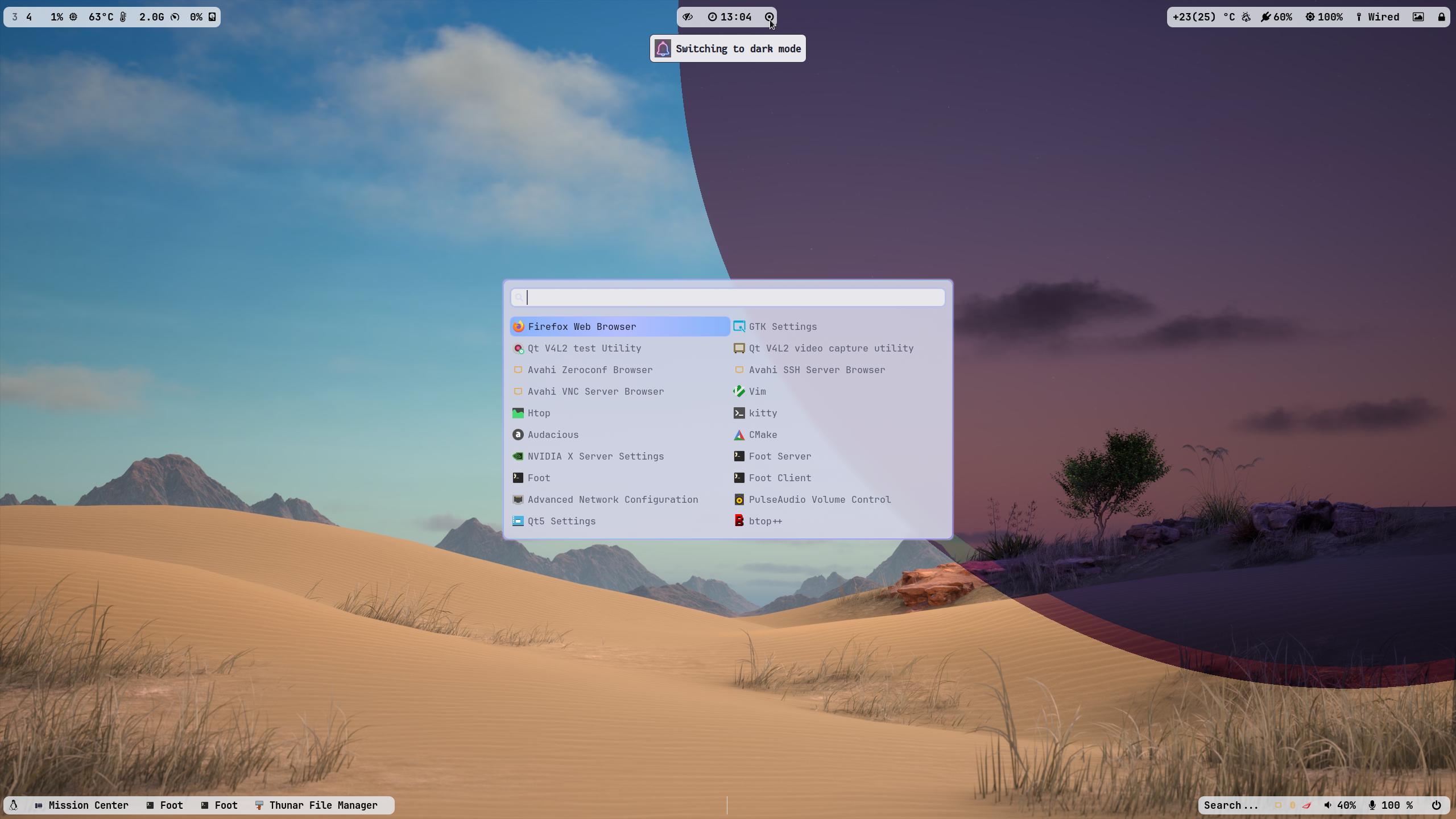
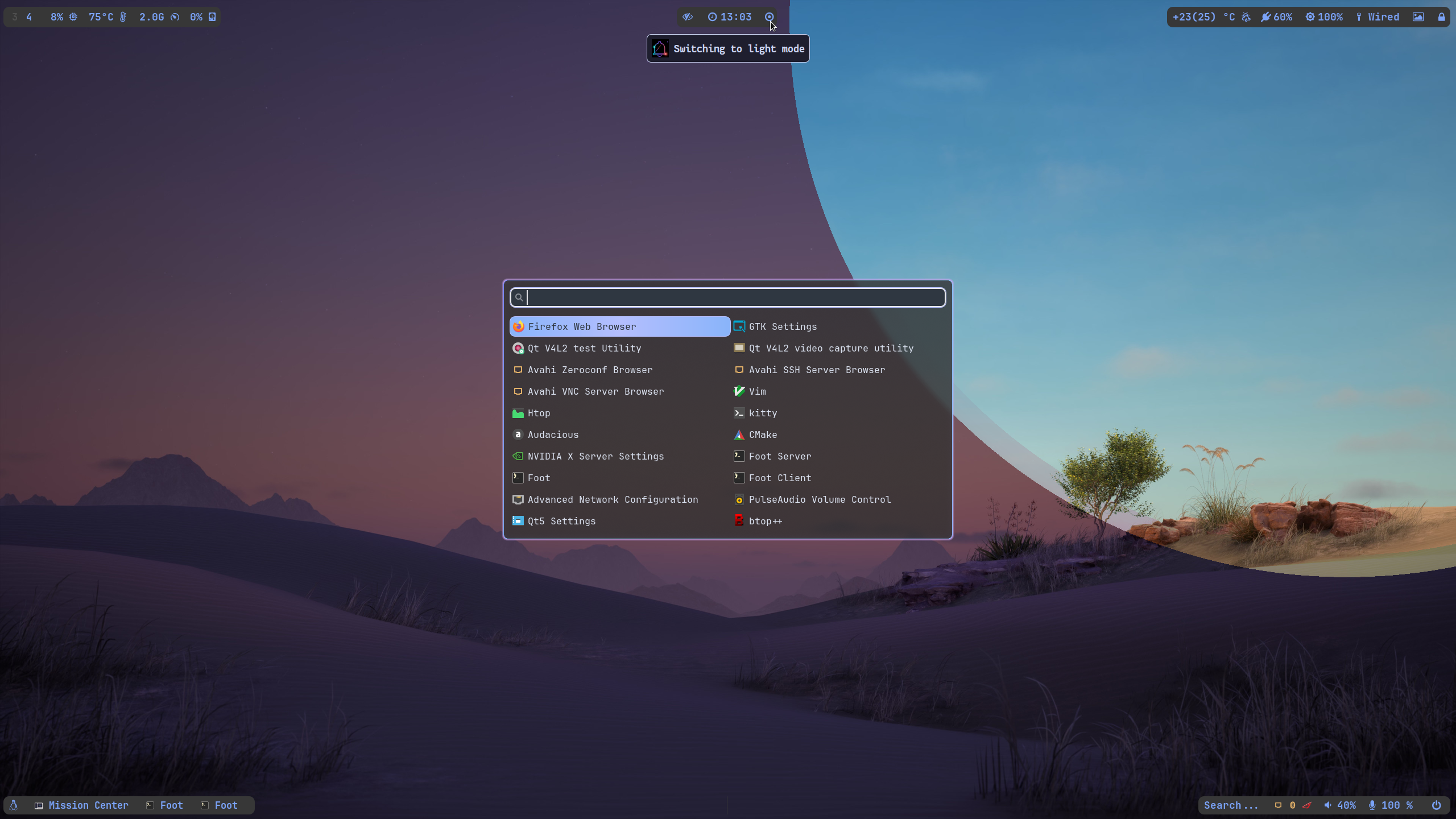
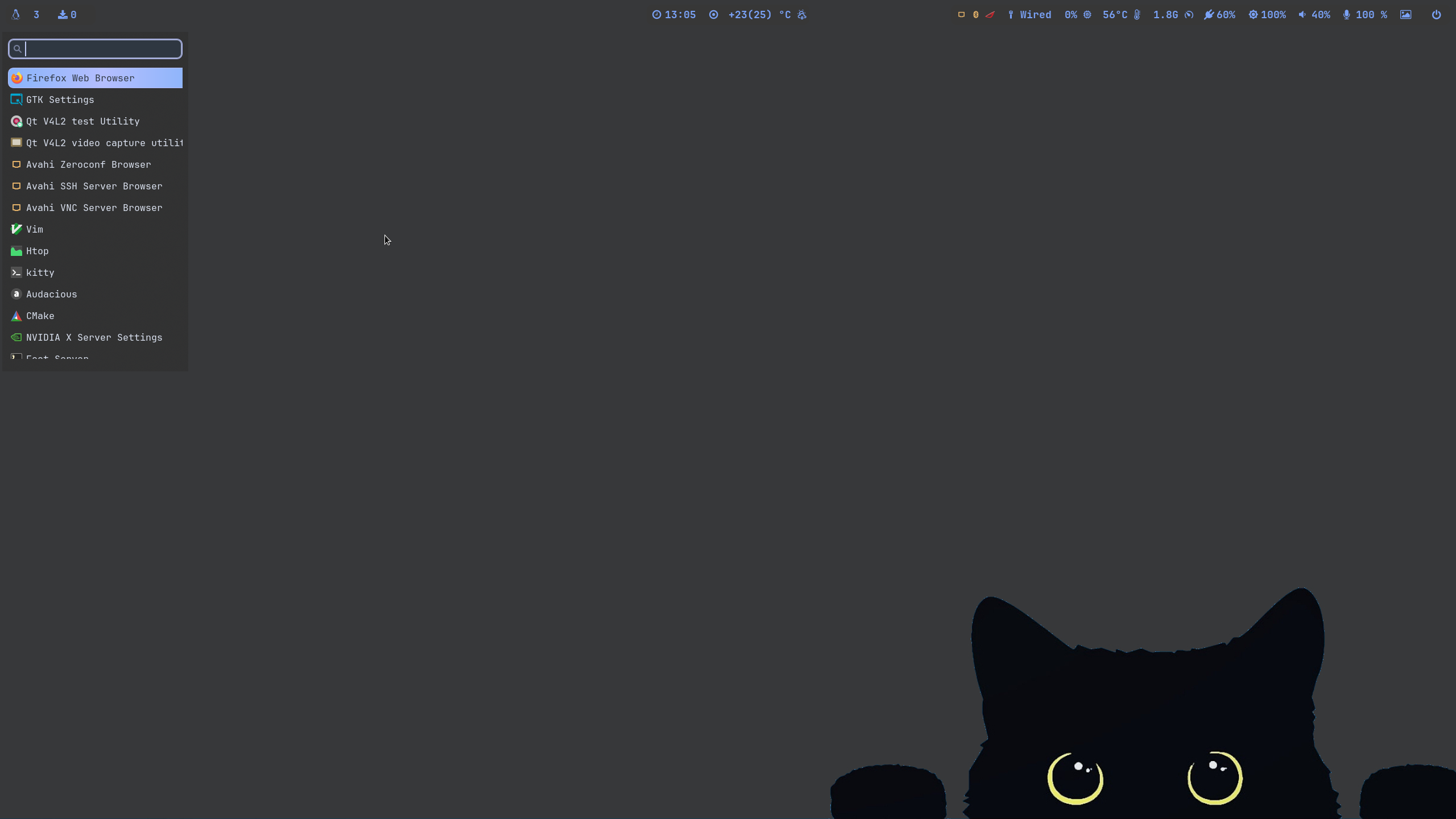
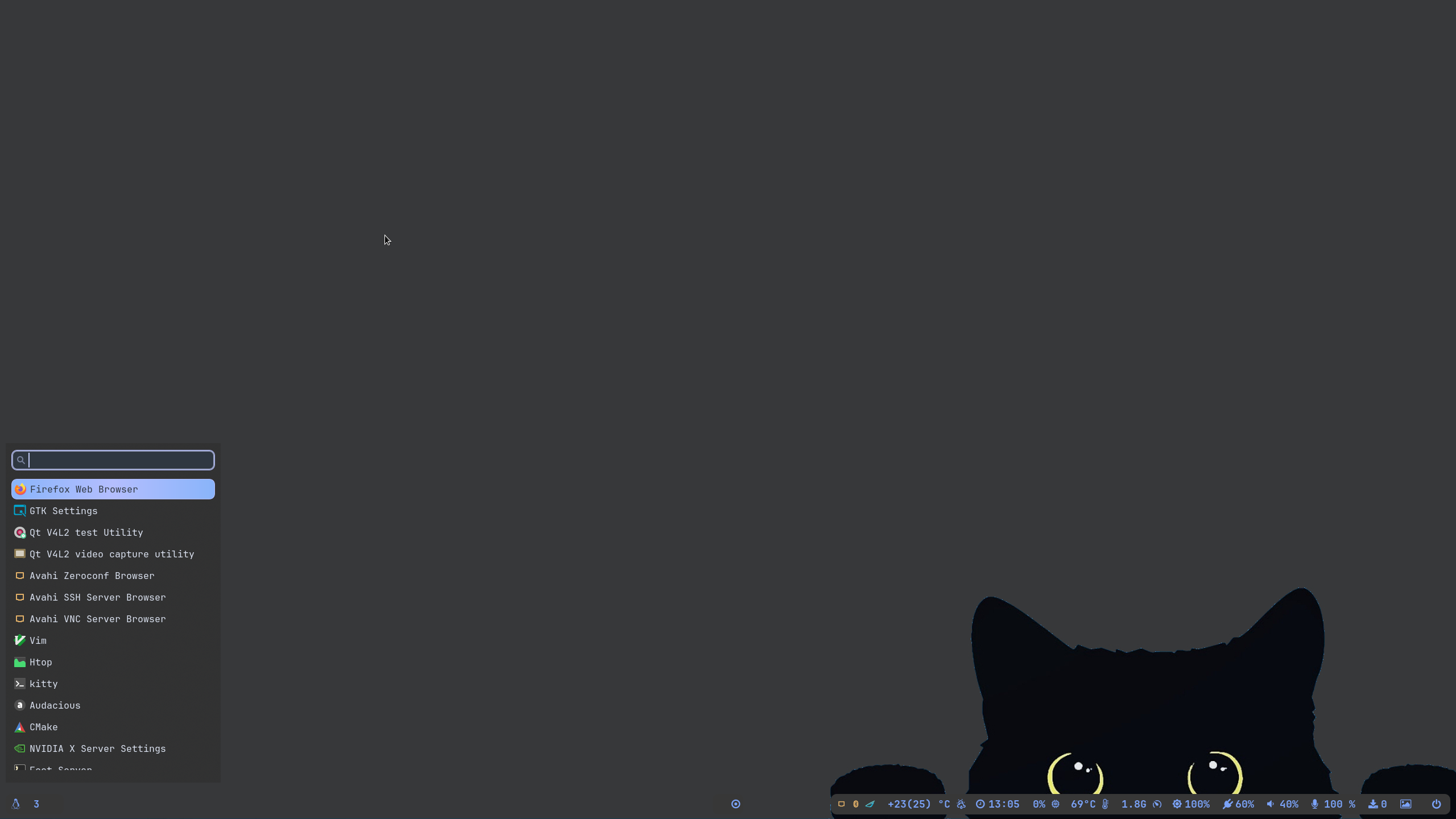 />
/>
📽️ youtube video showcase: SOON to be POSTED
✨ A video walk through my dotfilesLink
🪧🪧🪧 ANNOUNCEMENT 🪧🪧🪧
- This Repo does not contain Hyprland Dots or configs! Dotfiles can be checked here
Hyprland-Dots. During installation, if you opt to copy installation, it will be downloaded from that centralized repo.
🆕 What's new with v2?
- Rofi, Pywal Colors and Moved to Kitty. (Previous config was foot as tty and wofi as app launcher)
- Check out changelogs here
Hyprland-Dots-Changelogs
✨ Costumize the packages to be installed
- inside the install-scripts folder, you can edit 00-hypr-pkgs.sh. Care though as the Hyprland Dots may not work properly!
- default GTK theme if agreed to be installed is Tokyo night GTK themes (dark and light) + Tokyo night SE icons
👀 NVidia GPU Owners.
- By default, nvidia-dkms will be installed. and only supports GTX 900 and newer. If required to install older driver, edit the nvidia.sh in scripts-folder
✨ to run
clone this repo by using git. Change directory, make executable and run the script
git clone https://github.com/JaKooLit/Arch-Hyprland.git
cd Arch-Hyprland
chmod +x install.sh
./install.sh
✨ for ZSH and OH-MY-ZSH installation
do this once installed and script completed; do the following to change the default shell zsh
chsh -s $(which zsh)
zsh
source ~/.zshrc
- reboot or logout
- by default mikeh theme is installed. You can find more themes from this
OH-MY-ZSH-THEMES - to change the theme, edit ~/.zshrc . Look for ZSH_THEME="desired theme"
📒 Hyprland Dot Notes
- SUPER H for HINT or click on the waybar HINT! Button!
- SUPER SHIFT H to launch the Some quick tips and tricks!
🛣️ Roadmap:
- Install zsh and oh-my-zsh without necessary steps above
- possibly adding gruvbox themes, cursors, icons
⚠️ some known issues
- reports from members of my discord, states that some users of nvidia are getting stuck on sddm login. credit to @Kenni Fix stated was
 while in sddm press ctrl+alt+F2 or F3
log into your account
`lspci -nn`, find the id of your nvidia card
`ls /dev/dri/by-path` find the matching id
`ls -l /dev/dri/by-path` to check where the symlink points to
)
7. add "env = WLR_DRM_DEVICES,/dev/dri/cardX" to the ENVvariables config (.config/hypr/configs/ENVariables.conf)  ; X being where the symlink of the gpu points to
- more info from the hyprland wiki
Hyprland Wiki Link
📒 Final Notes
- join my discord channel
Discord - Feel free to copy, re-distribute, and use this script however you want. Would appreciate if you give me some loves by crediting my work :)
👍👍👍 Thanks and Credits!
HyprlandOf course to Hyprland and @vaxerski for this awesome Dynamic Tiling Manager.- shout out to CooSee from Gentoo forums for the nice rainbow borders
💖 Support
-
a Star on my Github repos would be nice 🌟
-
Subscribe to my Youtube Channel YouTube
-
You can also buy me Coffee Through ko-fi.com 🤩
