 9feb2b3bab
|
||
|---|---|---|
| assets | ||
| install-scripts | ||
| CHANGELOGS.md | ||
| LICENSE.md | ||
| README.md | ||
| install.sh | ||
💌 ** JaKooLit's Arch Hyprland Install Script ** 💌



Hyprland-Dots-showcase
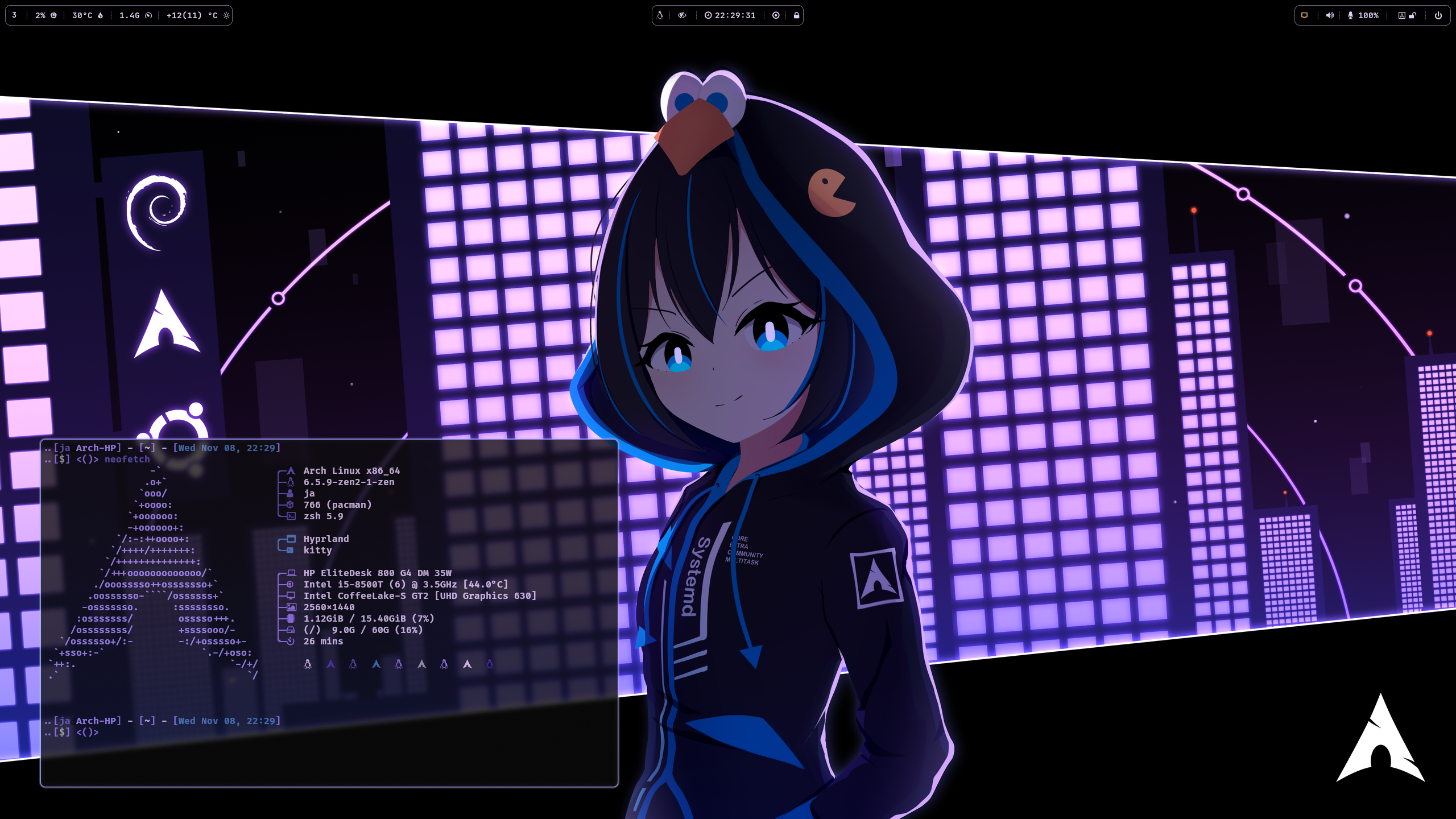
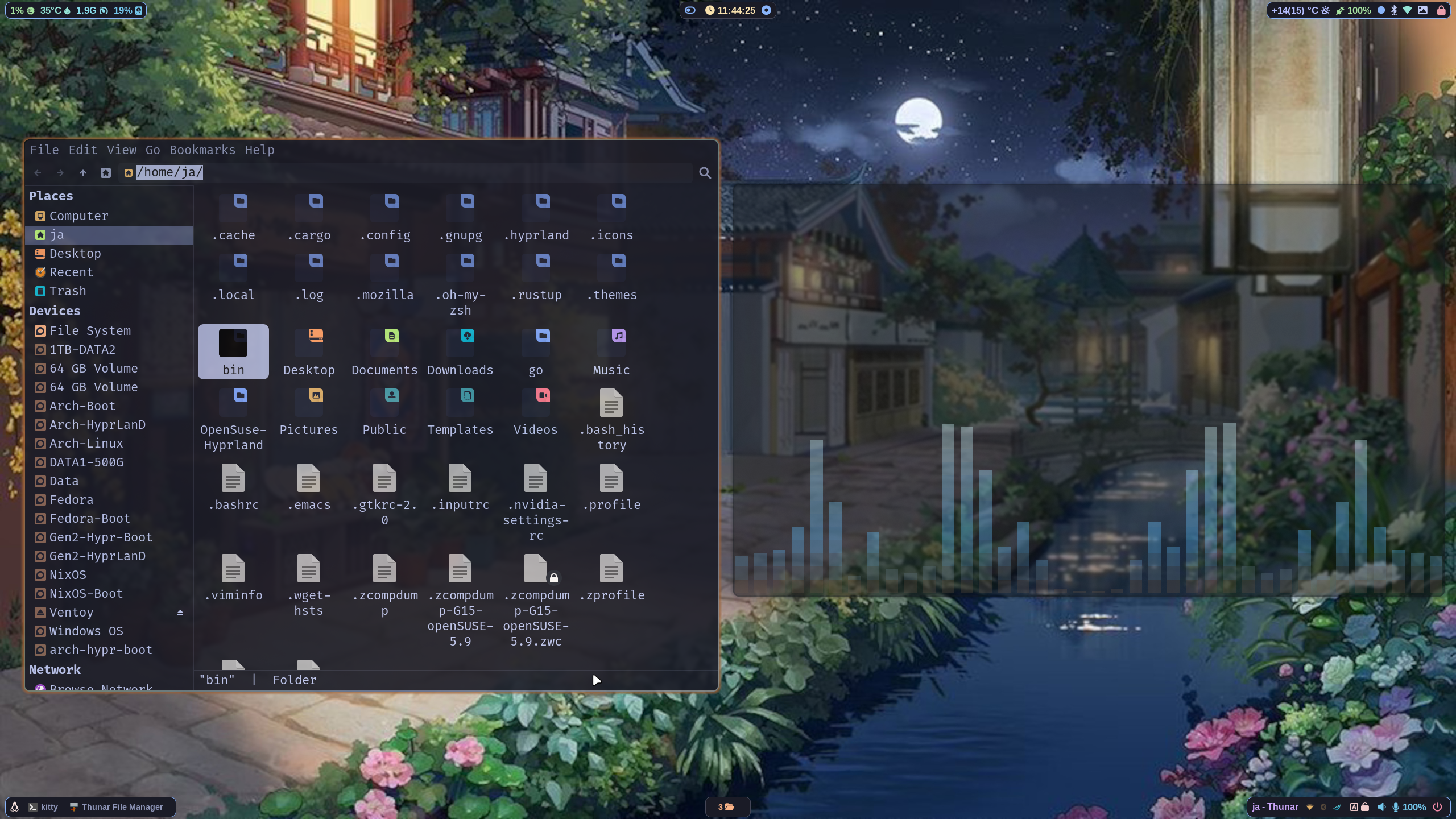
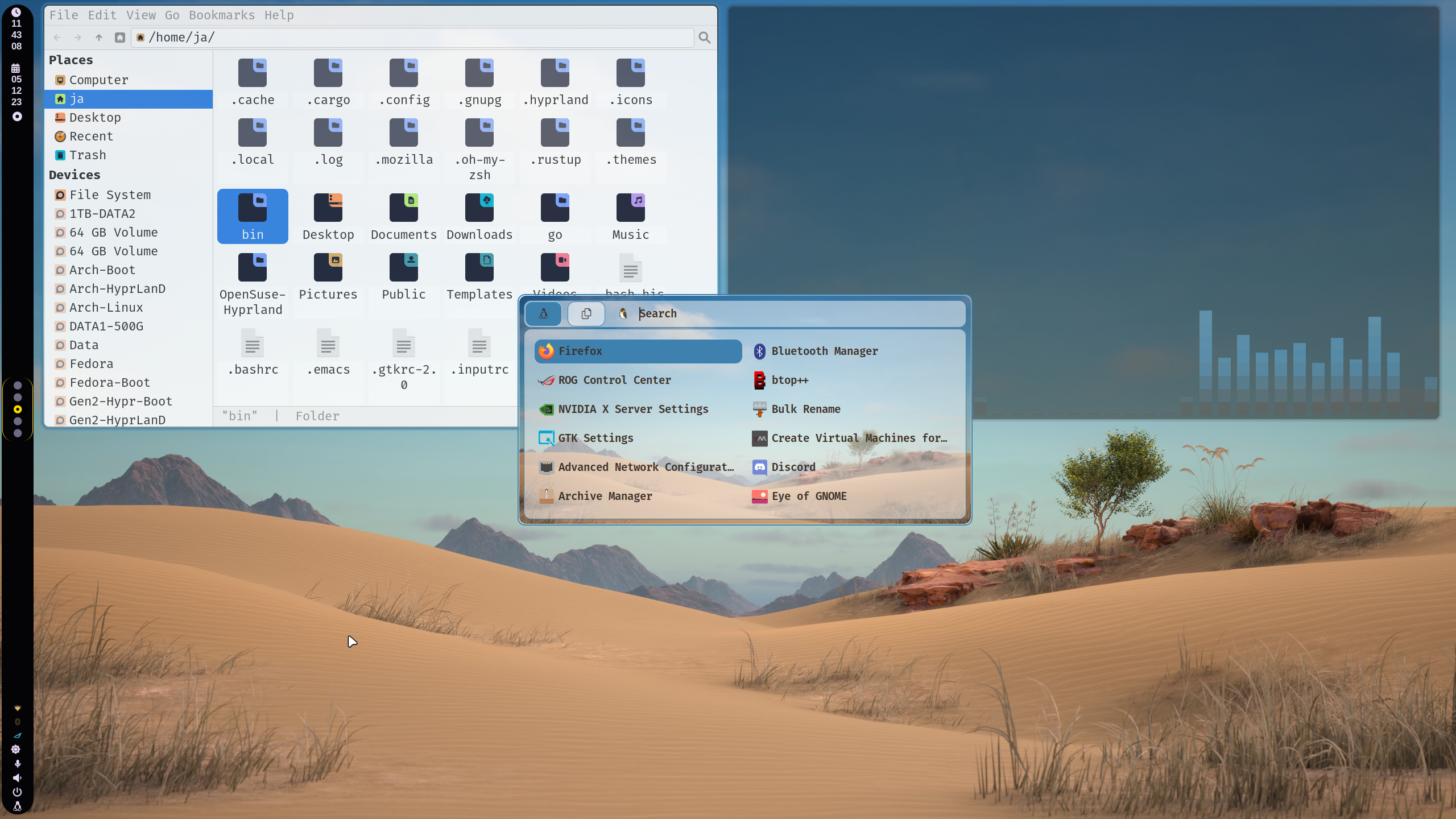
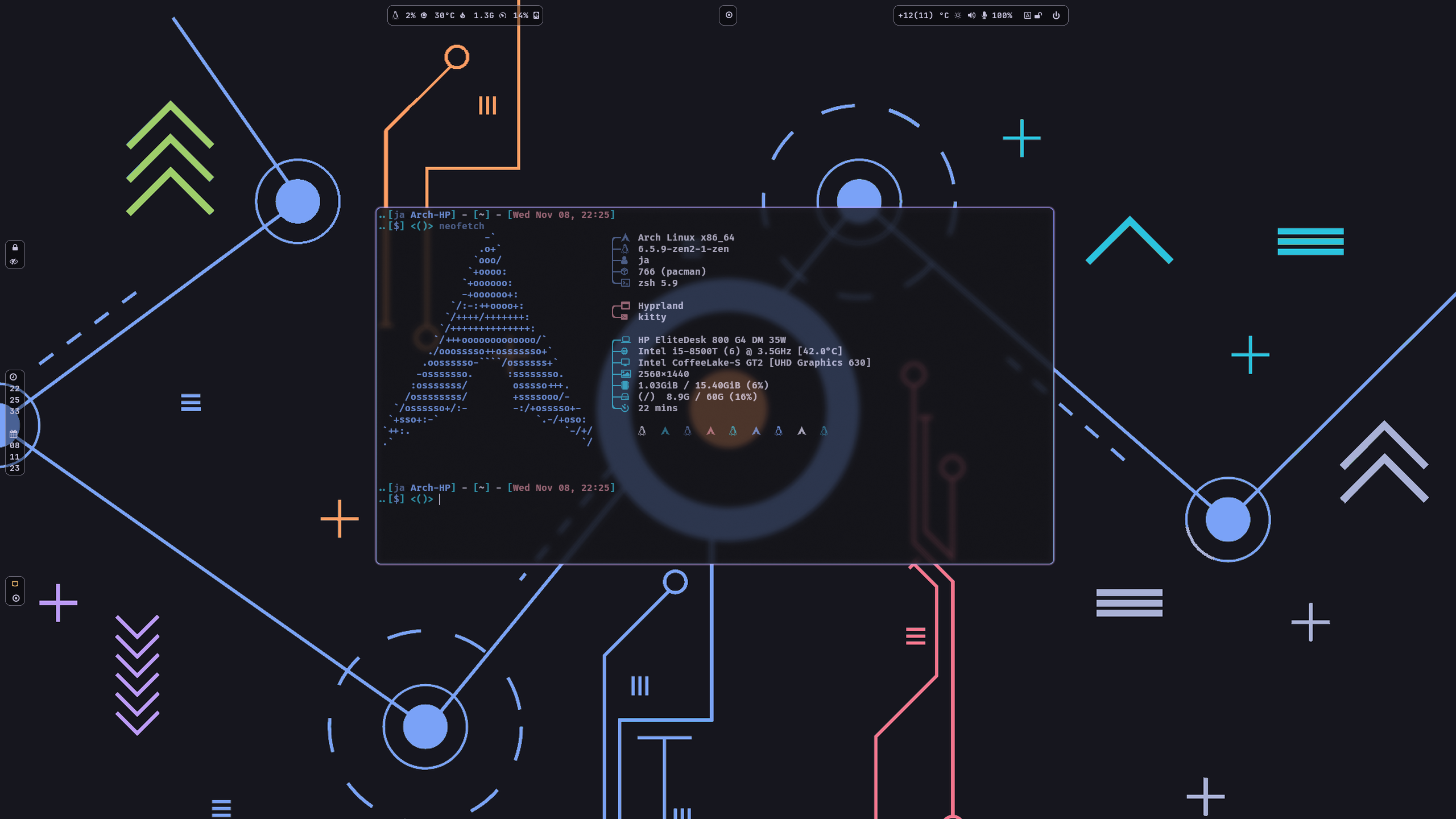
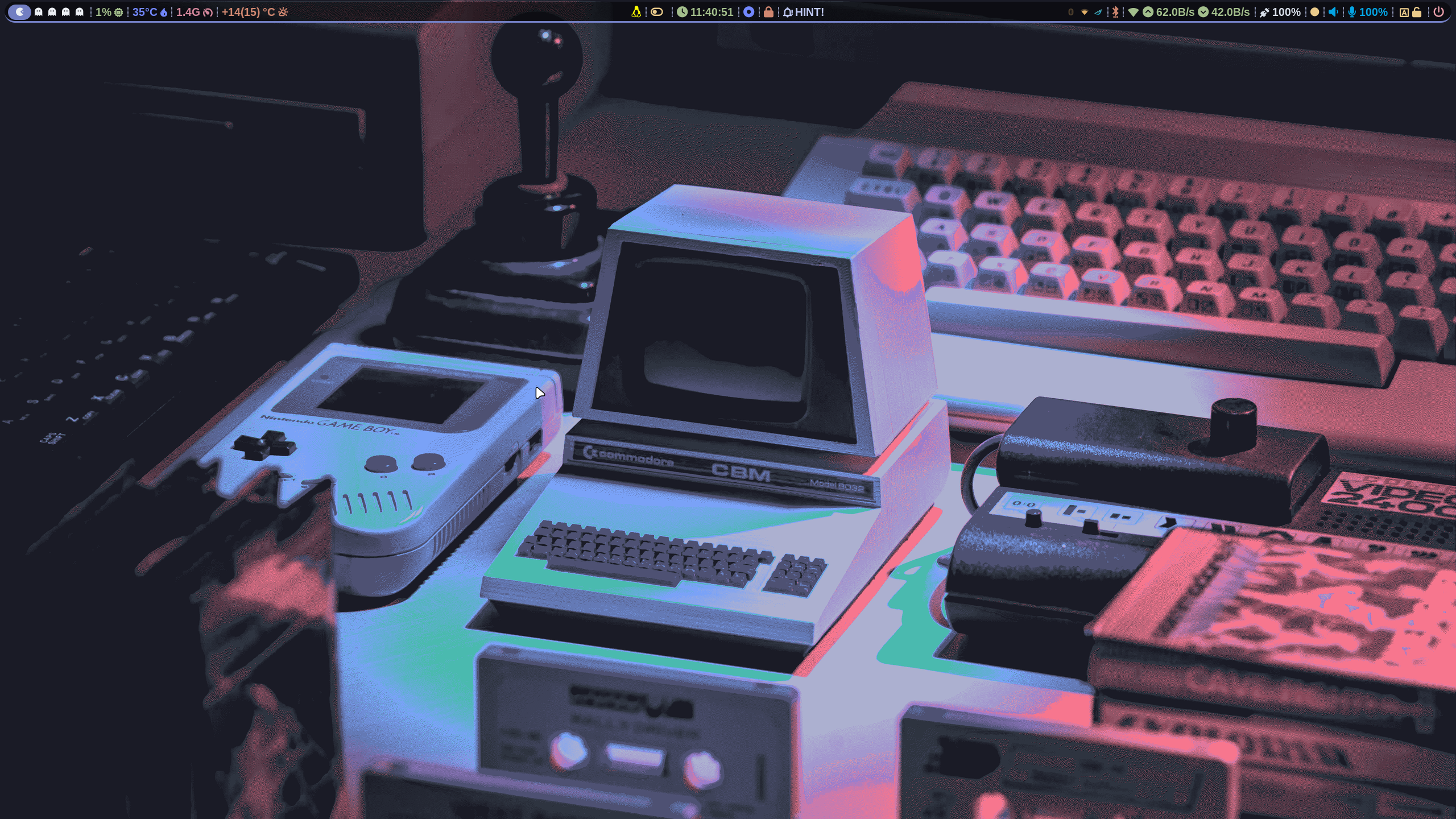
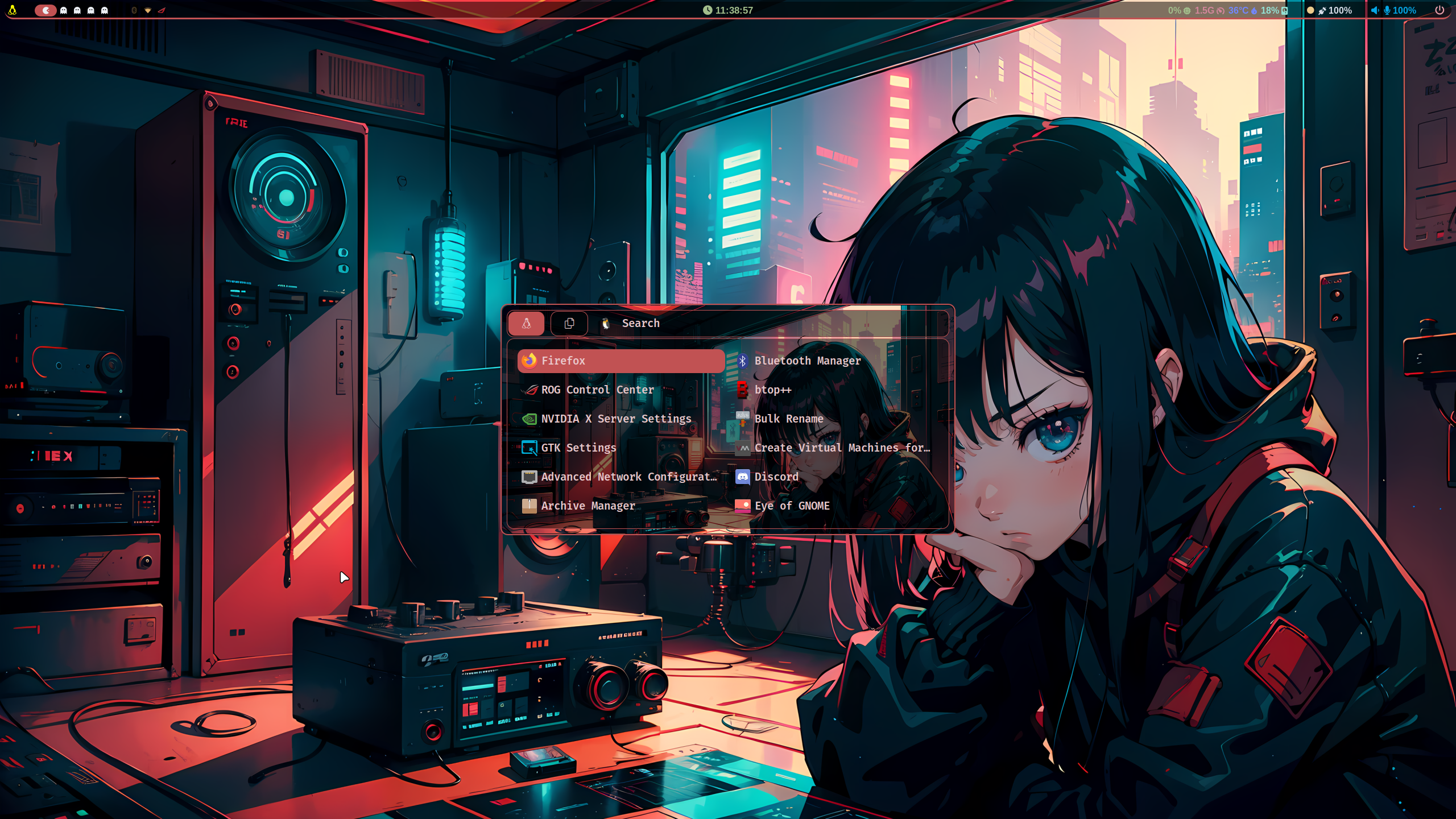
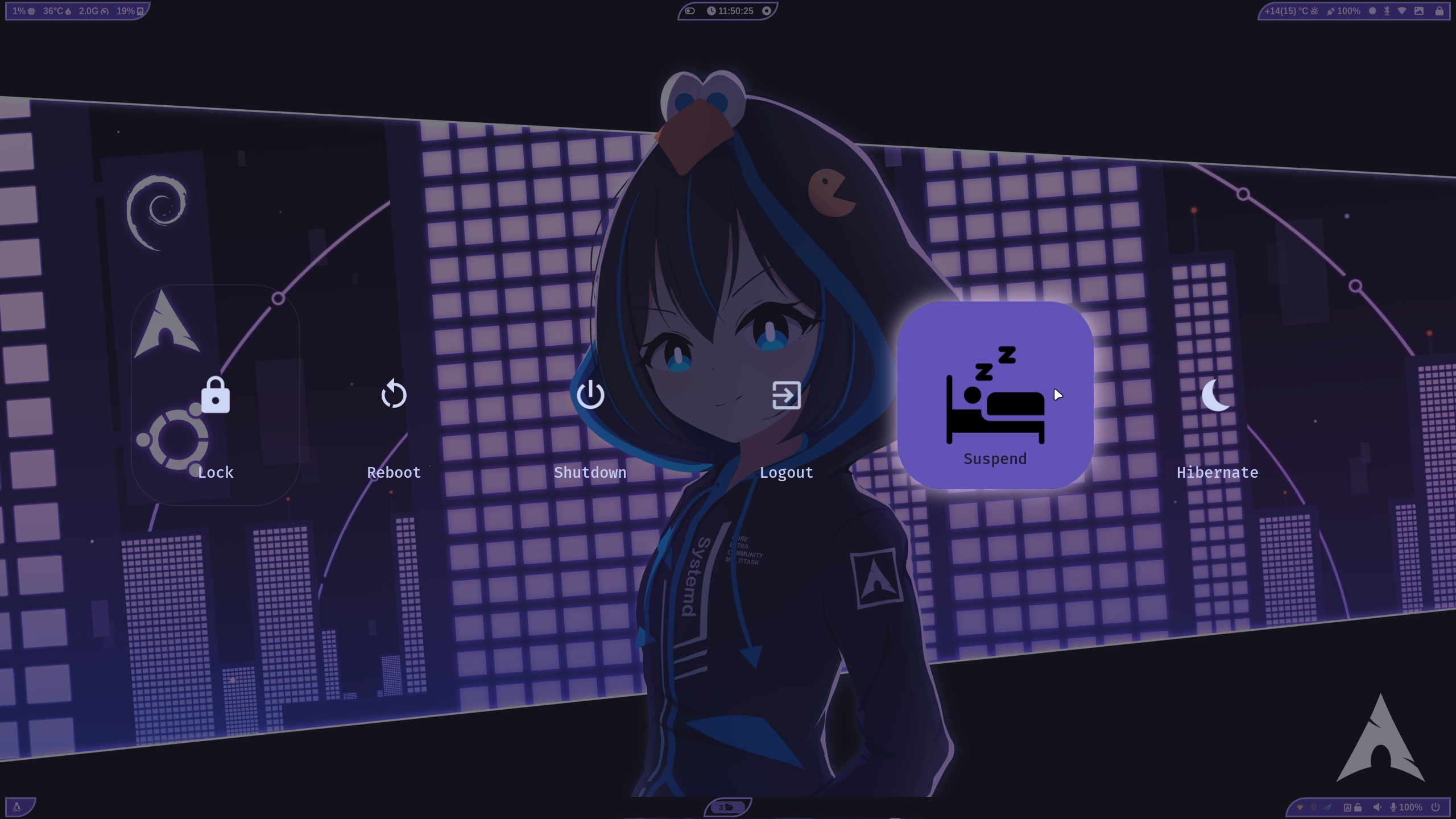
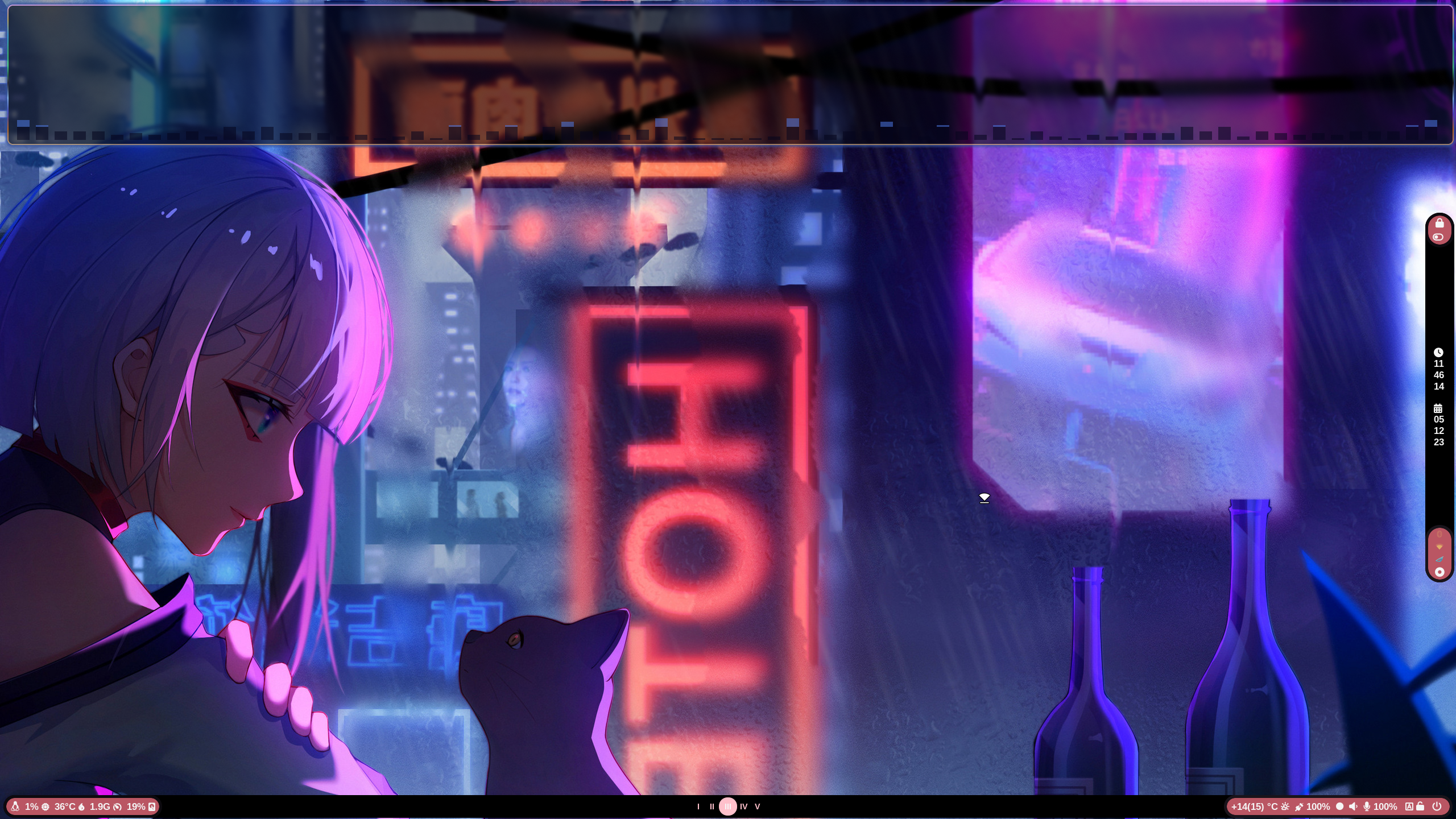
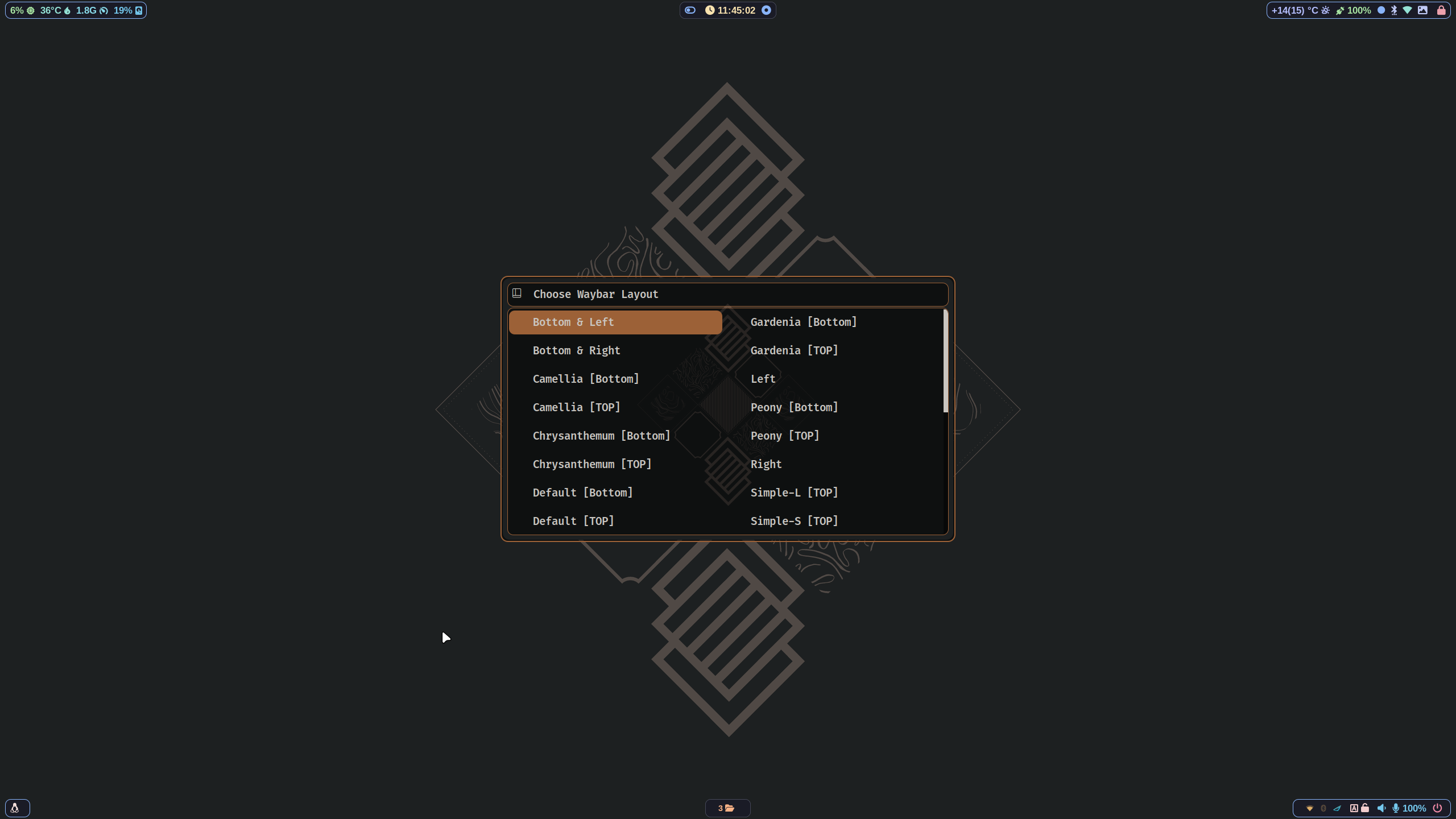
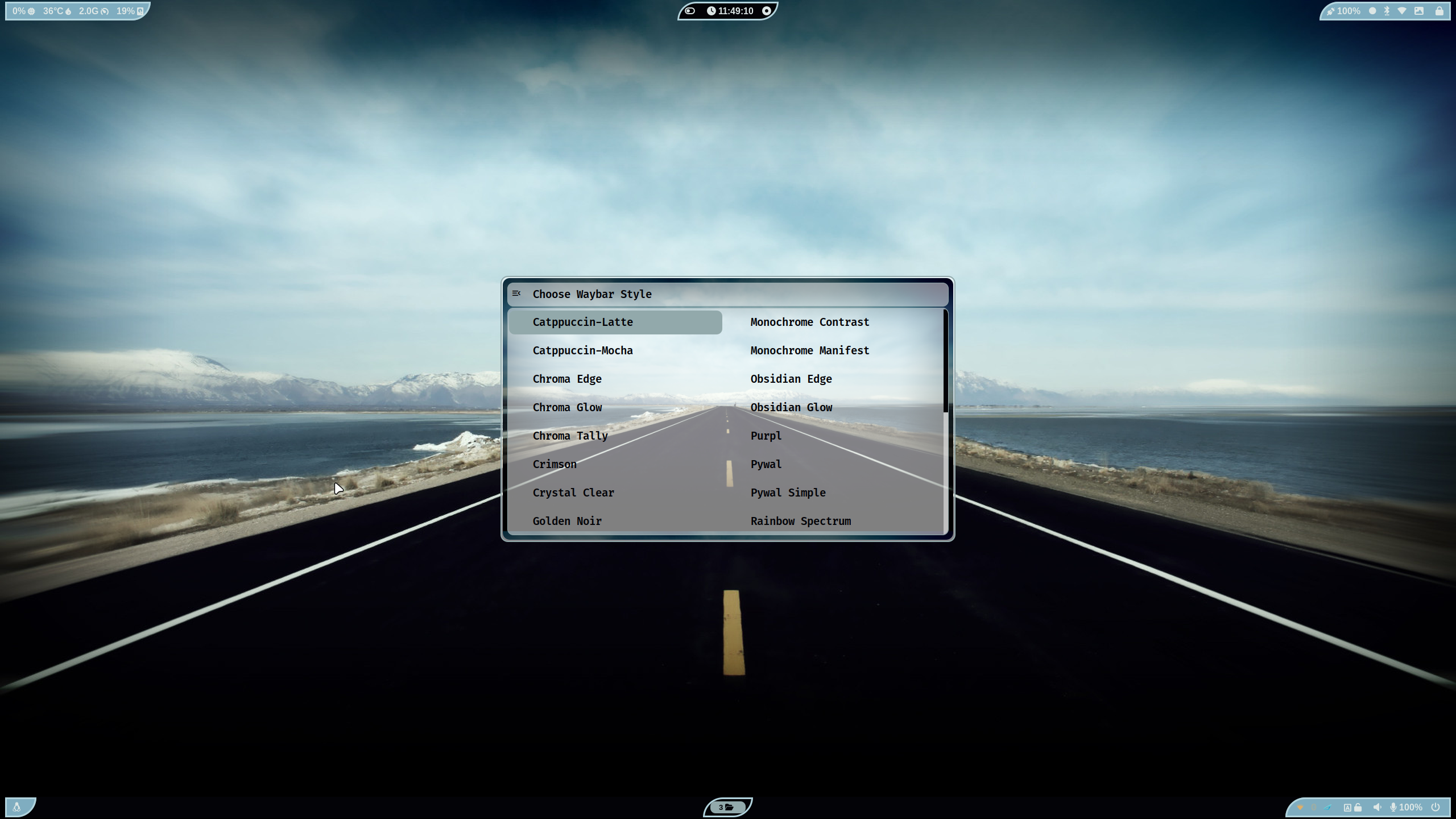
📷 More Screenshots on v2 Link and Previous-Screenshots and
✨ A video walk through my dotfilesLink
✨ A video walk on My Hyprland-Dots v2Link
📽️ youtube video showcase: Link
🪧🪧🪧 ANNOUNCEMENT 🪧🪧🪧
- This Repo does not contain Hyprland Dots or configs! Dotfiles can be checked here
Hyprland-Dots. During installation, if you opt to copy installation, it will be downloaded from that centralized repo. - Hyprland-Dots use are constantly evolving / improving. you can check CHANGELOGS here
Hyprland-Dots-Changelogs - Since the Hyprland-Dots are evolving, some of the screenshots maybe old
🆕 Prerequisites
💬 install a backup tool like snapper or timeshift. and Backup your system before installing hyprland using this script. This script does NOT include uninstallation of packages as it may break your system due to shared packages / libraries.
- This install script is intended for atleast Server type / Minimal Arch Linux installed.
🔘 Pipewire and Pipewire audio
- This script will install pipewire and will also disable or will uninstall pulseaudio. If you dont want it, you can simply just delete pipewire.sh in install-scripts folder before installing.
✨ Costumize the packages to be installed
- inside the install-scripts folder, you can edit 00-hypr-pkgs.sh. Care though as the Hyprland Dots may not work properly!
- default GTK theme if agreed to be installed is Tokyo night GTK themes (dark and light) + Tokyo night SE icons
👀 NVidia GPU Owners.
- By default, nvidia-dkms will be installed. and only supports GTX 900 and newer. If required to install older driver, edit the nvidia.sh in scripts-folder
✨ to run
clone this repo by using git. Change directory, make executable and run the script
git clone https://github.com/JaKooLit/Arch-Hyprland.git
cd Arch-Hyprland
chmod +x install.sh
./install.sh
✨ for ZSH and OH-MY-ZSH installation
installer should auto change your default shell to zsh. However, if it does not, do this
chsh -s $(which zsh)
zsh
source ~/.zshrc
- reboot or logout
- by default mikeh theme is installed. You can find more themes from this
OH-MY-ZSH-THEMES - to change the theme, edit ~/.zshrc . Look for ZSH_THEME="desired theme"
✨ TO DO once installation done and dotfiles copied
-
if you opted to install gtk themes, to apply the theme and icon, press the dark/light button (beside the padlock). To apply Bibata modern ice cursor, launch nwg-look (GTK Settings) through rofi.Hyprland-Dots v2.1.18, initial boot file will attempt to apply GTK themes,cursor, and icons. You can tweak more using nwg-look (GTK-Settings) utility -
SUPER H for HINT or click on the waybar HINT! Button
🏴☠️🏴☠️🏴☠️ Got a questions regarding the Hyprland Dots?
- Head over to wiki Link
WIKI
🛣️ Roadmap:
[ ] Install zsh and oh-my-zsh without necessary steps aboveDONE- possibly adding gruvbox themes, cursors, icons
⚠️ some known issues
- reports from members of my discord, states that some users of nvidia are getting stuck on sddm login. credit to @Kenni Fix stated was
 while in sddm press ctrl+alt+F2 or F3
log into your account
`lspci -nn`, find the id of your nvidia card
`ls /dev/dri/by-path` find the matching id
`ls -l /dev/dri/by-path` to check where the symlink points to
)
7. add "env = WLR_DRM_DEVICES,/dev/dri/cardX" to the ENVvariables config (.config/hypr/configs/ENVariables.conf)  ; X being where the symlink of the gpu points to
- more info from the hyprland wiki
Hyprland Wiki Link
📒 Final Notes
- join my discord channel
Discord - Feel free to copy, re-distribute, and use this script however you want. Would appreciate if you give me some loves by crediting my work :)
👍👍👍 Thanks and Credits!
HyprlandOf course to Hyprland and @vaxerski for this awesome Dynamic Tiling Manager.- shout out to CooSee from Gentoo forums for the nice rainbow borders
💖 Support
-
a Star on my Github repos would be nice 🌟
-
Subscribe to my Youtube Channel YouTube
-
You can also buy me Coffee Through ko-fi.com 🤩
