 d3a04c7033
|
||
|---|---|---|
| assets | ||
| install-scripts | ||
| CHANGELOGS.md | ||
| LICENSE.md | ||
| README.md | ||
| install.sh | ||
💌 ** JaKooLit's Arch Hyprland Install Script ** 💌



Basically a copy of my Hyprland-v4 Hyprland-install script Link
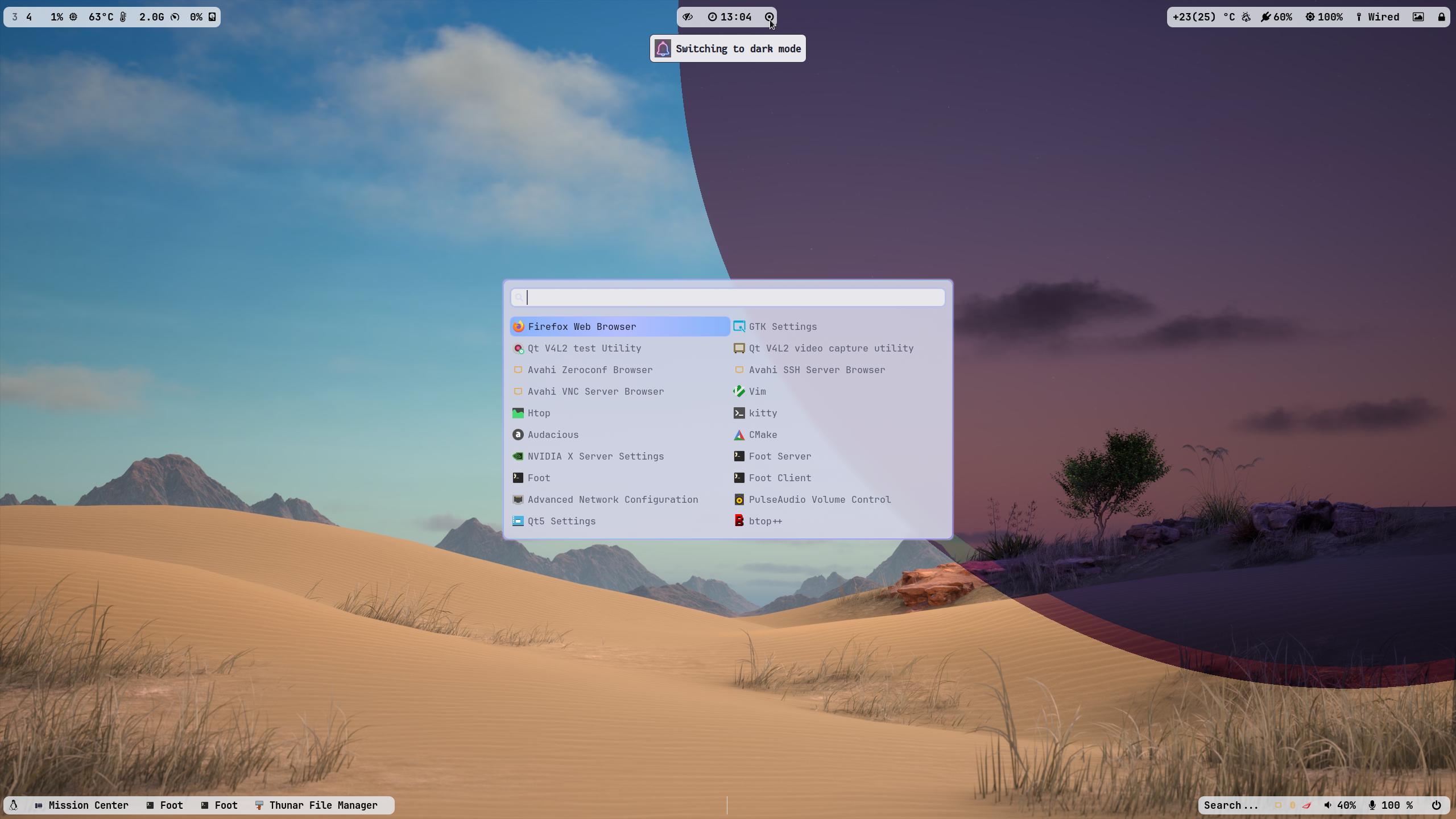
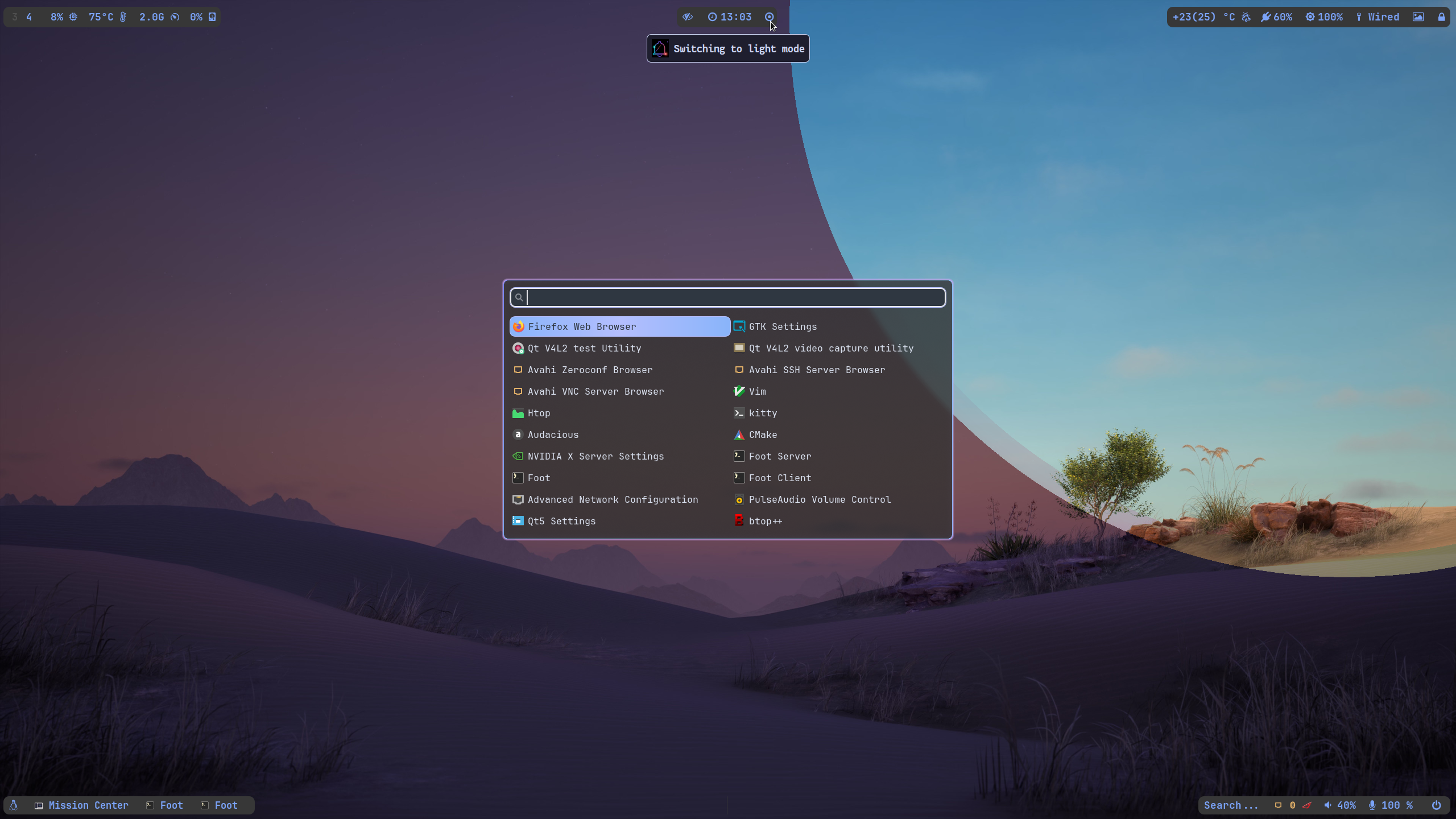
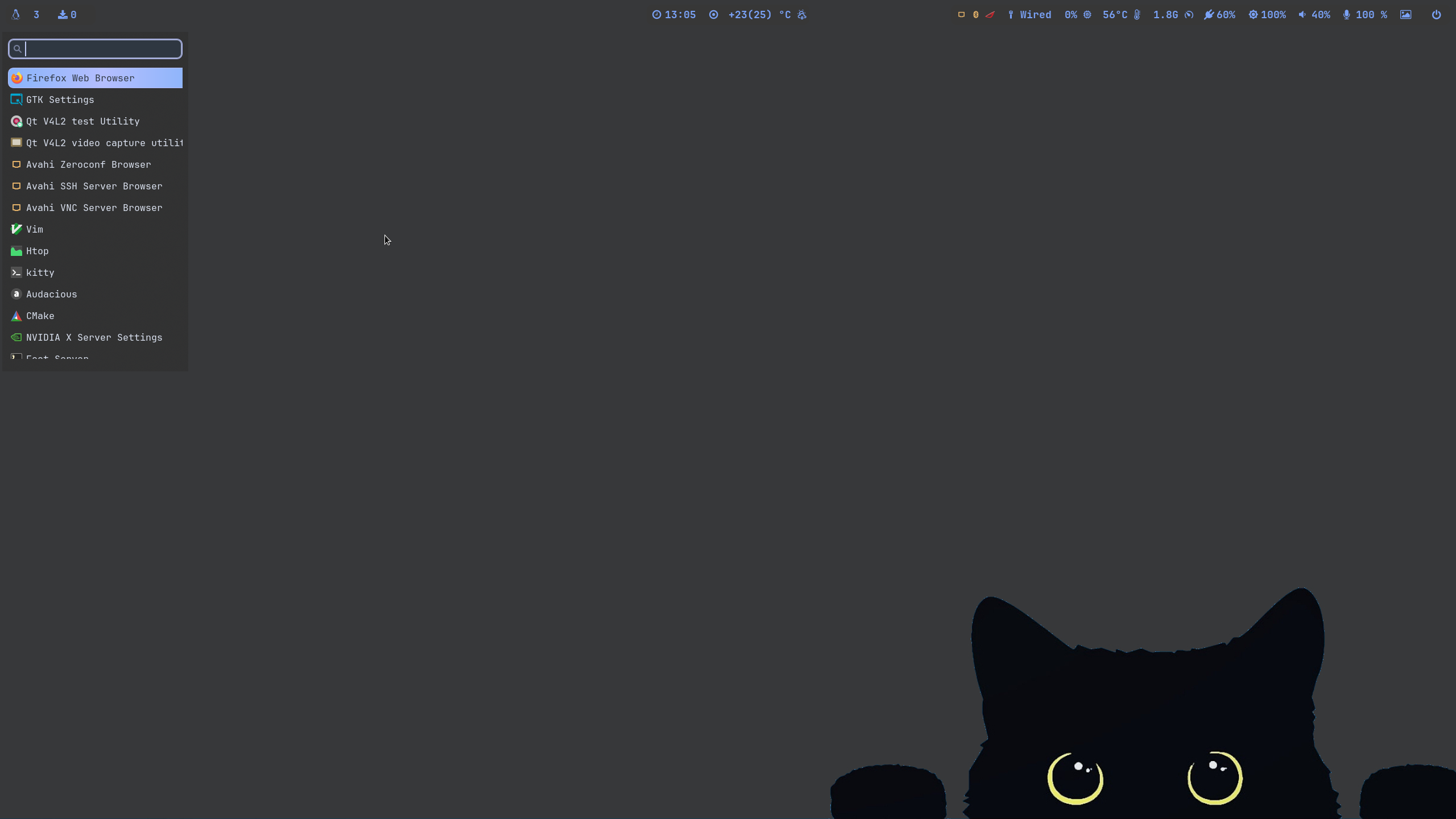
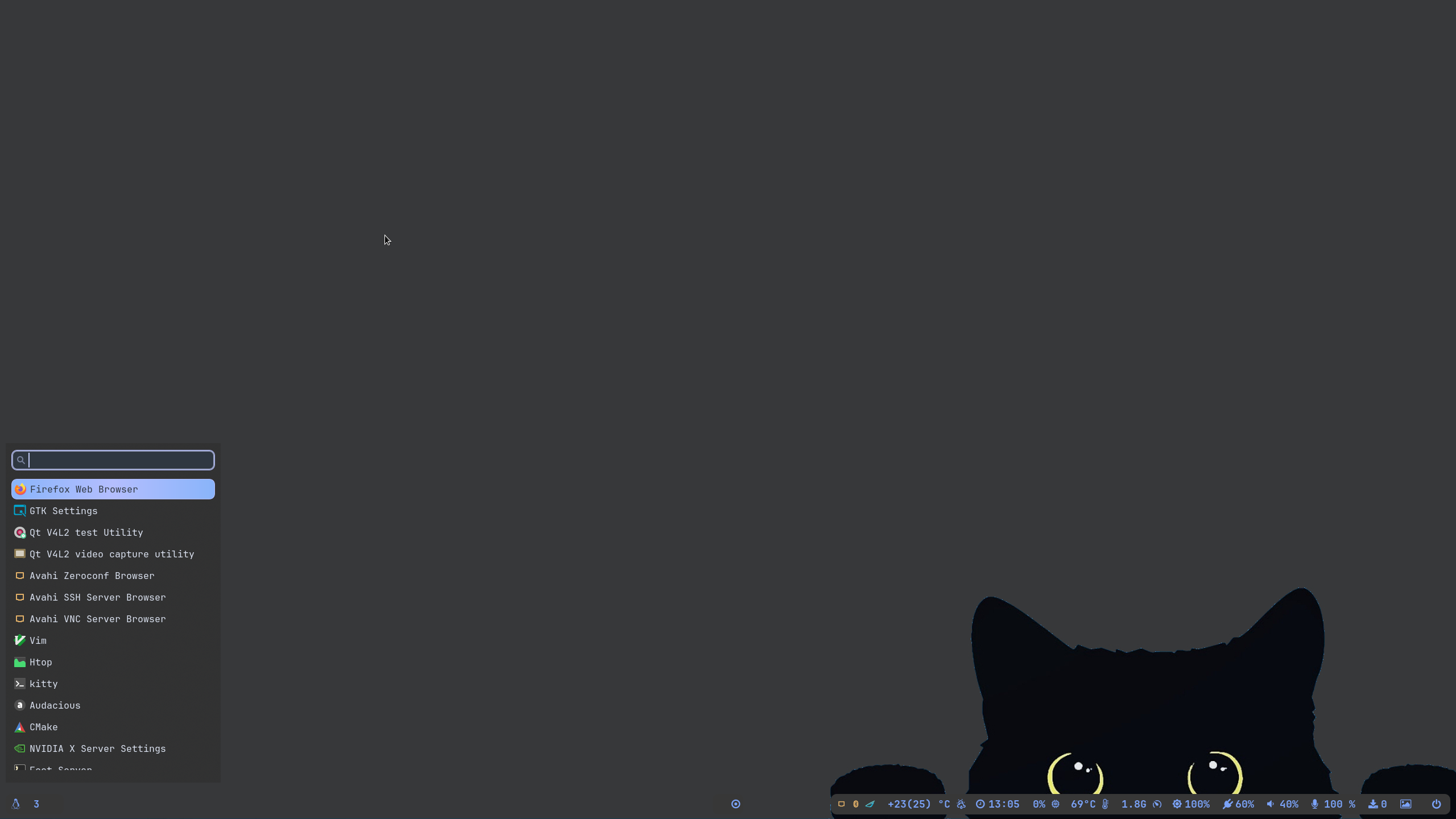 />
/>
📽️ youtube video showcase: Youtube Link
✨ A video walk through my dotfilesLink
🪧🪧🪧 ANNOUNCEMENT 🪧🪧🪧
-
I have moved to a centralized Hyprland Dots/Configuration.
Hyprland-Dots. During installation, if you opt to copy installation, it will be downloaded from that centralized repo. -
after initial boot-up after install, you will experience a NO wallpaper. This is due to changes I made on the install scripts to correct that, you can press the light/dark button or choose wallpaper (SUPER CTRL W), and that wallpaper will be loaded after reboot or login.
-
more info on announcement
Link
If you want to use swaybg as wallpaper provider, you can edit ~/.config/hypr/configs/Execs.conf and uncomment the swaybg part
🆕 What's new?
- Basically just a clone of my Hyprland-v4. Just renamed and cleaned up codes.
- Concentrated on Tokyo Themes and Tokyo Night SE icons only
- Downloading of dot files will be a centralized repo
👀 NVidia GPU Owners.
- By default, nvidia-dkms will be installed. and only supports GTX 900 and newer. If required to install older driver, edit the nvidia.sh in scripts-folder
✨ to run
clone this repo by using git. Change directory, make executable and run the script
git clone https://github.com/JaKooLit/Arch-Hyprland.git
cd Arch-Hyprland
chmod +x install.sh
./install.sh
✨ for ZSH and OH-MY-ZSH installation
do this once installed and script completed; do the following to change the default shell zsh
chsh -s $(which zsh)
zsh
source ~/.zshrc
- reboot or logout
- by default gnzh theme is installed. You can find more themes from this
OH-MY-ZSH-THEMES - to change the theme, edit ~/.zshrc ZSH_THEME="desired theme"
📒 Notes
- super h for launching a small help file
- super e to view / edit settings, monitor, keybinds, Environment Variables, etc
- go through the keybinds. There are alot of hidden features like dual panel, change waybar styles, change wallpaper, etc... its too long to put all in the readme!!!
🛣️ Roadmap:
- Install zsh and oh-my-zsh without necessary steps above
- possibly adding gruvbox themes, cursors, icons
- adding vertical waybar
Use kitty in favor of foot- Dropped the idea of kitty. Kitty is using twice memory compared to foot.
⚠️ some known issues
- reports from members of my discord, states that some users of nvidia are getting stuck on sddm login. credit to @Kenni Fix stated was
 while in sddm press ctrl+alt+F2 or F3
log into your account
`lspci -nn`, find the id of your nvidia card
`ls /dev/dri/by-path` find the matching id
`ls -l /dev/dri/by-path` to check where the symlink points to
)
7. add "env = WLR_DRM_DEVICES,/dev/dri/cardX" to the ENVvariables config (.config/hypr/configs/ENVariables.conf)  ; X being where the symlink of the gpu points to
- more info from the hyprland wiki
Hyprland Wiki Link
👍👍👍 Thanks and Credits!
- shout out to CooSee from Gentoo forums for the nice rainbow borders
💖 Support
-
a Star on my Github repos would be nice 🌟
-
Subscribe to my Youtube Channel YouTube
-
You can also buy me Coffee Through ko-fi.com 🤩
